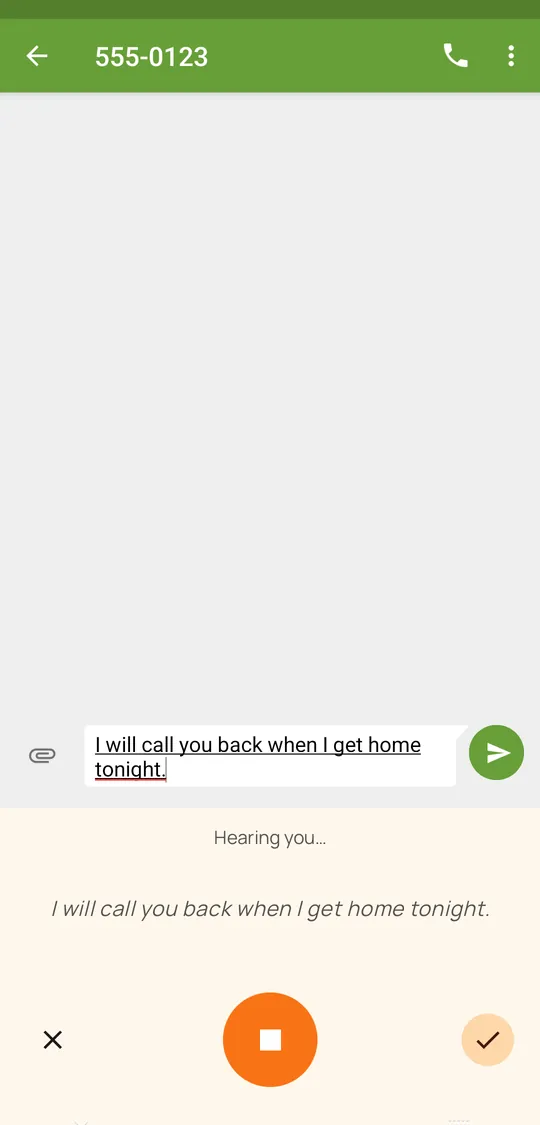
Private, offline voice typing for your keyboard's mic key and for any app that asks Android for speech input. Your words appear while you're still talking.
Free, open source, no ads, no accounts. Android 9 or later. Coming soon to F-Droid.

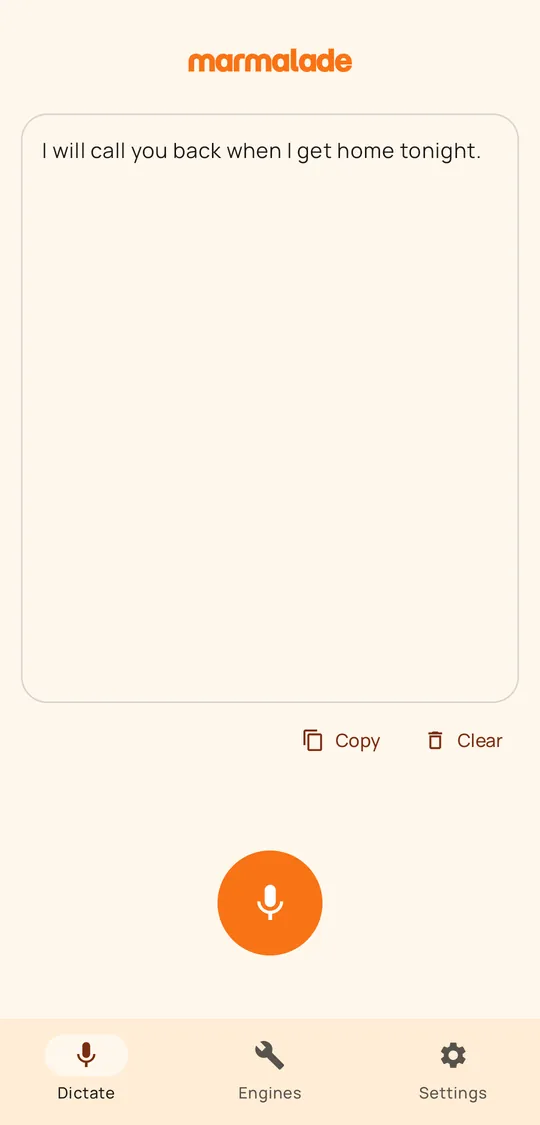
Voice: Kokoro. Text: Parakeet Ultra's real output.
Marmalade STT plugs into Android's own voice input, so you keep the keyboard and the apps you already use.
Tested with
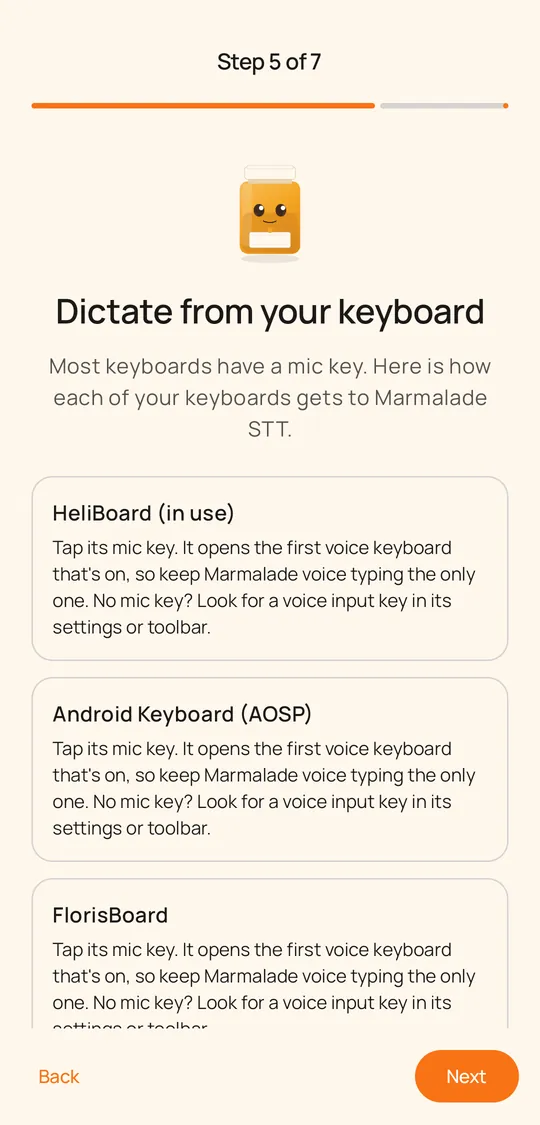
Gboard's mic key always starts Gboard's own voice typing, but Android's keyboard switcher still reaches Marmalade. The setup guide shows how for each keyboard you use, and the full table is in the README.
Marmalade STT is free, with no ads and no accounts, and the app is the same whether you sponsor it or not. If it is useful to you, you can sponsor its development. Donations are voluntary and not tax-deductible.
Everything happens on your phone. The only download is the speech engine you choose.
Speech is recognized on your phone, never by a cloud or online speech service. Audio is never saved or uploaded.
After a one-time download of a speech engine, it works without a connection.
Your words appear in real time as you speak, on most engines.
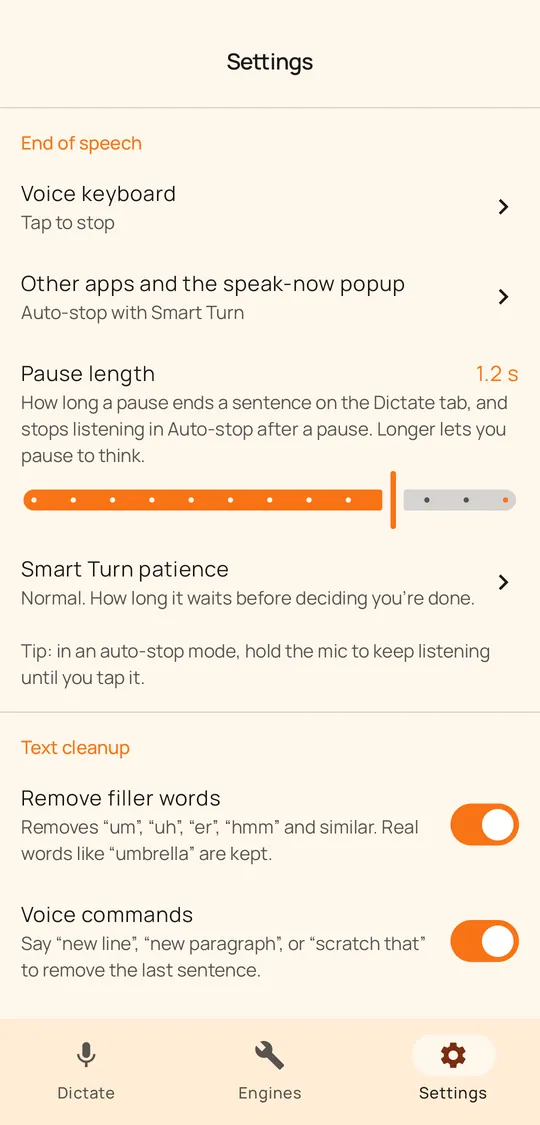
Smart Turn, the default for the speak-now popup, waits until you sound finished, so a pause to think rarely cuts you off. Or stop at a pause, or say an end word.
The setup guide picks the best engine for your language, and for your phone's memory and speed.
Optional cleanup removes filler words, writes numbers as digits and turns "new line" into the real thing, in English. Your own replacements and snippets work in any language.
Light or dark, four colors or your wallpaper's (Android 12 and later), and high-contrast colors for easier reading.
MIT licensed. No ads, no accounts, no analytics.
Marmalade runs open models directly on your phone. You download only the engine you choose, once, from GitHub, and every file is checked against a pinned SHA-256 hash.
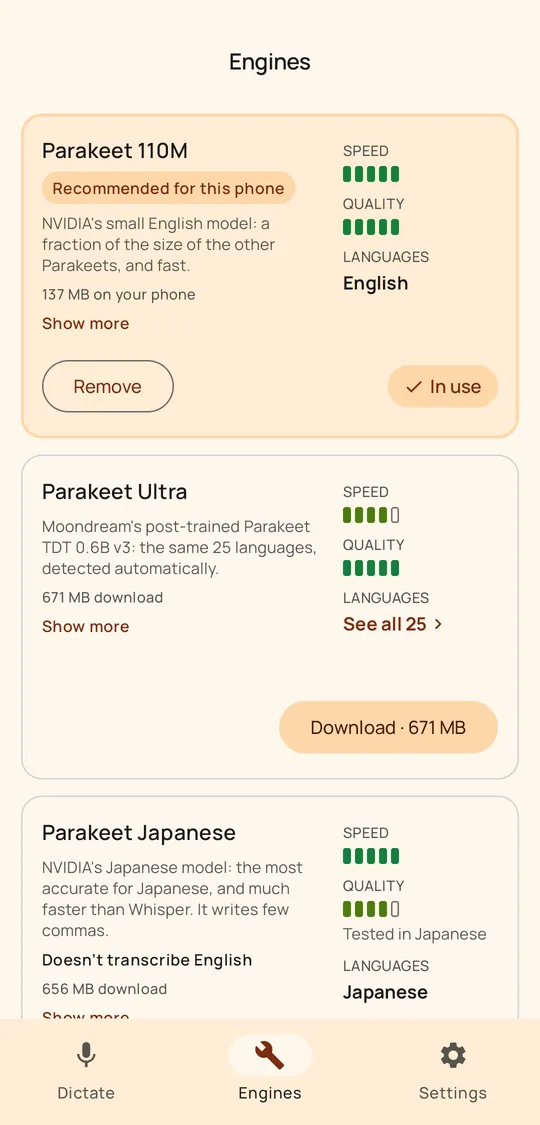
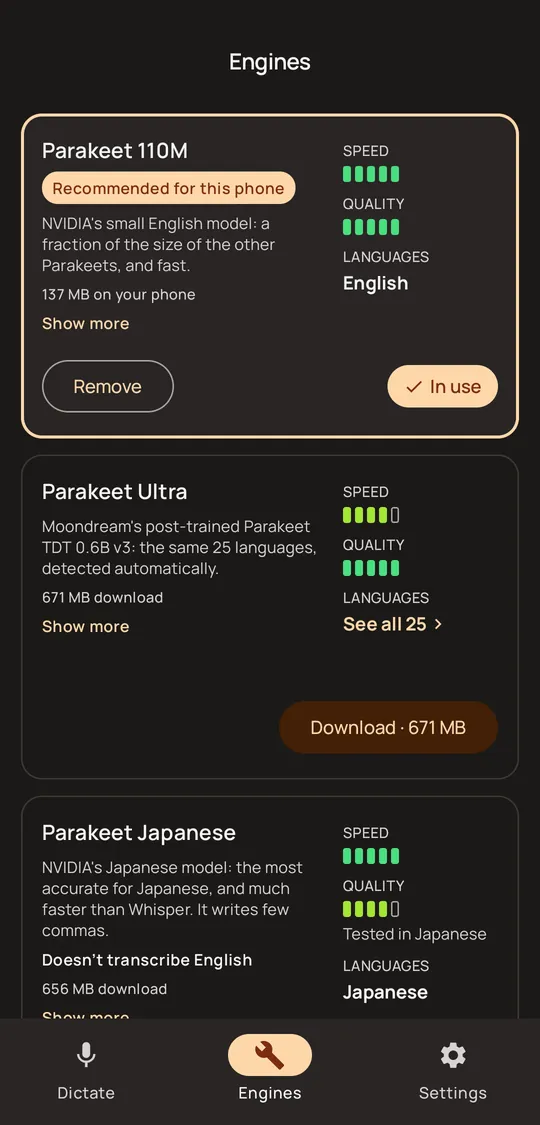
The default. Parakeet Ultra, Moondream's post-trained Parakeet TDT 0.6B v3, covers 25 European languages and detects which one you speak. Parakeet 110M is a small, fast English model, and Parakeet Japanese handles Japanese.
Parakeet Ultra110MJapaneseA light engine for English, Spanish, German and French, for phones short of memory or speed.
Hugging FaceStreams text as you speak in Hindi, Arabic and Vietnamese.
Hugging FaceChinese and Korean, and lighter to run than Whisper.
GitHubHugging FaceEvery other language, 100 in all, detected automatically. It is slower on most phones, so it is recommended only where nothing lighter covers your language.
GitHubHugging FaceBuilt into the app. Silero VAD hears where speech starts and stops, and Smart Turn v3.2 judges whether you sounded finished.
Smart TurnSilero VADThe engines run on sherpa-onnx (Apache-2.0, built from source) and ONNX Runtime (MIT). Full credits and license texts are in the app and in NOTICE.md.
Pick the language you speak, or leave it on Auto to follow your phone, and the setup guide recommends the engine that suits it.
On phones short of memory or speed, the guide suggests a lighter engine: Parakeet 110M for English, or Canary 180M Flash for Spanish, German and French.
The app itself is in 21 languages: English, Arabic, Chinese (Simplified and Traditional), Czech, Dutch, French, German, Hindi, Indonesian, Italian, Japanese, Korean, Polish, Portuguese (Brazil), Russian, Spanish, Swedish, Turkish, Ukrainian and Vietnamese.
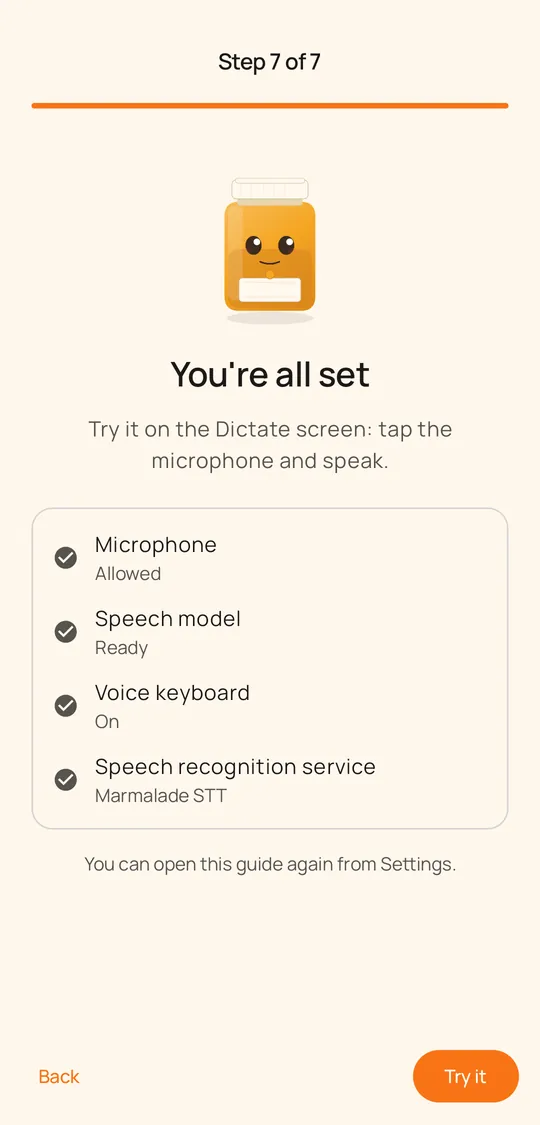
A setup guide, an engine for your phone, and a panel that types what you say.
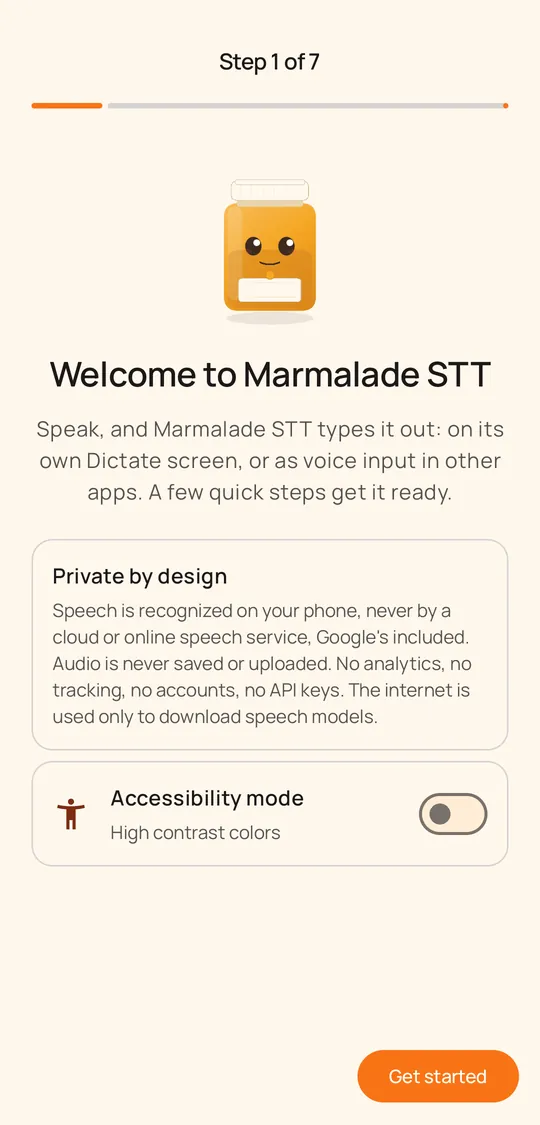
No analytics, no tracking, no crash reporting, no accounts, and no server of ours. Speech is recognized on the phone, and audio is never saved or uploaded. The internet is used only to download the speech engines you choose, from GitHub, and every file is checked against a pinned SHA-256 hash. Android backup is turned off, so nothing is copied to the cloud.
Marmalade STT is MIT licensed, and the app you install contains no GPL or LGPL code. Its speech runtime, sherpa-onnx, is built from source with the text-to-speech parts left out. Every component's license is listed in the app under Settings › About › Open-source licenses.